The week at a glance
The actions to handle, the working week, alerts, notifications, and the number of interventions waiting for client approval.

The pylotik mobile app is available. It does not replicate the web: it carries the short, frequent gestures, the ones you put off when it means opening a computer. Enter your time for the week, handle an action, send your Friday report, request leave, have the client approve an intervention on site. Steering stays on the web, on the same data.
Everyone sees only the tabs their role opens up.
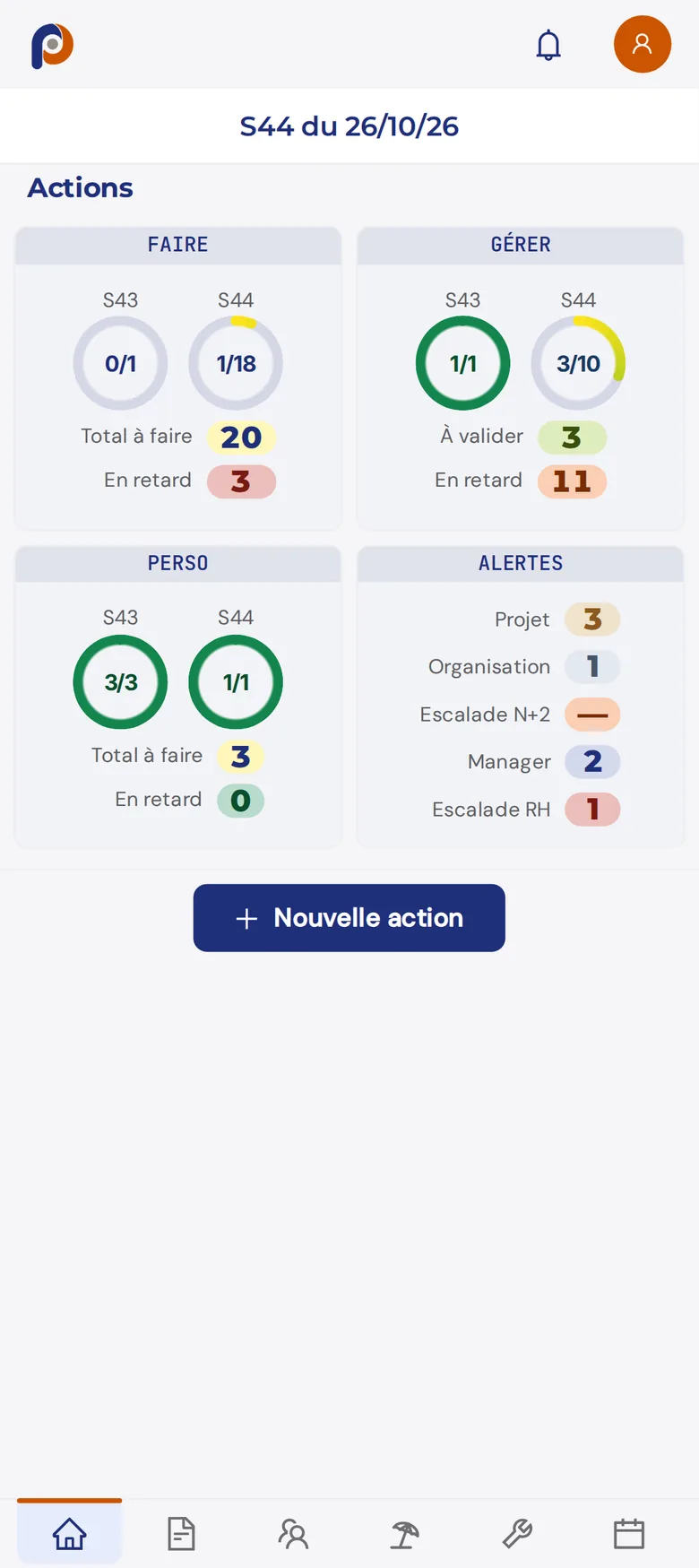
The actions to handle, the working week, alerts, notifications, and the number of interventions waiting for client approval.
The week is entered starting from the workload plan, which you copy and then correct. Once finalized, it goes to the manager for approval.
What moved forward, what got stuck, and alerts whose author chooses the recipient. The draft stays private until it is sent.
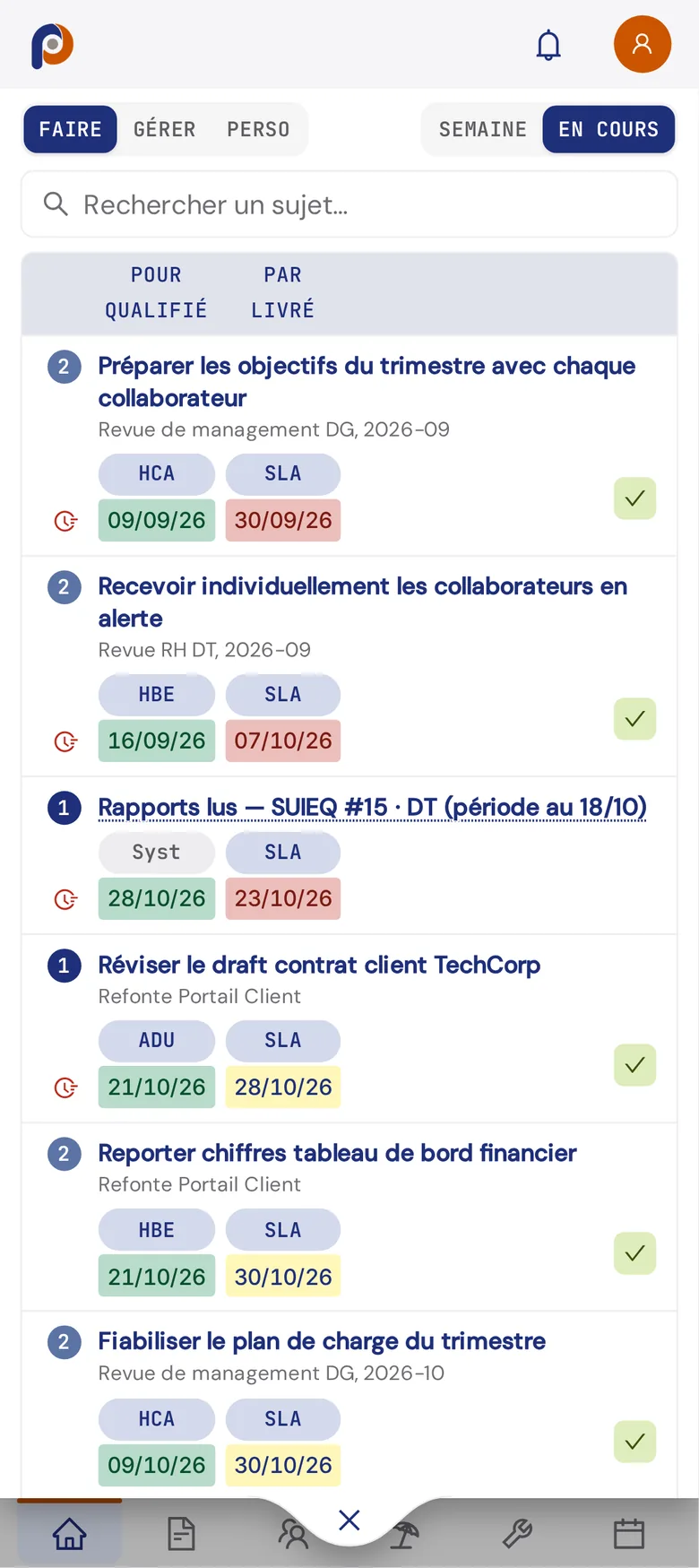
Create an action, take it on, deliver it, or accept one you requested. The cycle is the same as on the web.
The technician declares the completed intervention, names the approver on the client side, and can hand over the phone: the client signs on screen to accept the intervention, or refuses it with a reason.
The review of the team's reports, and the requests to handle: leave to approve, interventions that require freeing up workload already planned.
Everyone's leave is also there, to request or cancel, along with personal data. The details of intervention management and team steering are on their own pages.
The mobile app opens in the phone's browser, at m.pylotik.com, with the same credentials as the web. Added to the home screen, it opens like an app, full screen. There is nothing to download from the App Store or Google Play, and nothing to update: the version is always the latest.
All team members have access, each with the tabs of their role: the technician sees their interventions, the manager their review and requests. The invited client finds a space of their own, limited to the interventions to approve and their actions. Their access stays free.
It requires a connection: there is no offline mode. Each field is saved as soon as you leave it, and only sending is an explicit act. The data is the same as on the web, hosted in the same place, in France: the details of hosting and security.
Steering often fails for a prosaic reason: keeping the tool up to date costs too much. Time entered on Friday from the phone, an action delivered between two meetings, an intervention approved by the client before leaving their site: that is what makes the week accurate, and what lets operational commitment management rest on facts rather than on memories.
Project pages, the Planning, committees and their minutes, finance, the HR module and administration stay on the web, on a computer or a tablet. It is a choice: these screens need room, and a committee is not held on a phone screen. Project managers' leave decisions are also made on the web.
The mobile app is not a roaming field tool either: no geolocation, no attached photo, no offline form.
Yes. It opens at m.pylotik.com, from the phone's browser, and can be added to the home screen.
No. It is a web app: it does not go through any app store and has no update to install.
No. It requires a connection, like the web. Each field is saved as soon as you leave it.
Yes, for what concerns them: their interventions to approve and their actions. Their access is free.
No. It is included in each user's seat, on every tier. Only intervention management, when used, is a module. See the pricing.
The demo runs on a data set that is already filled in, on the web and on mobile.